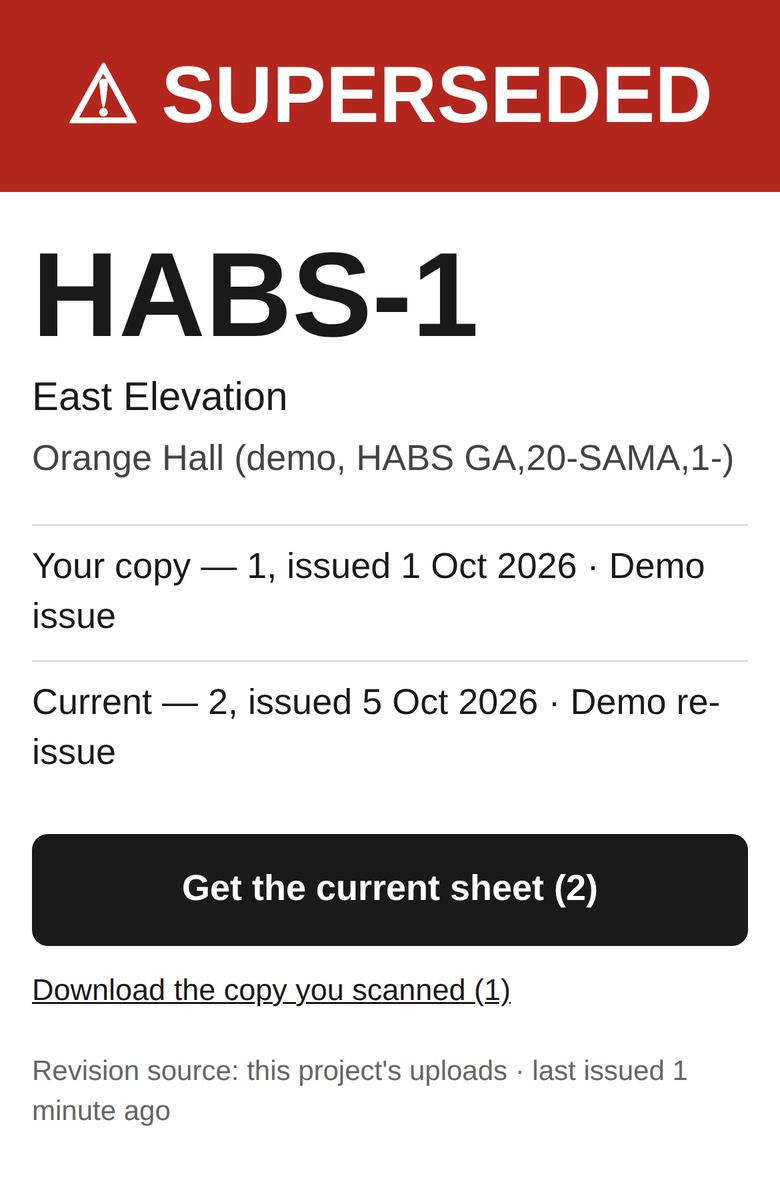
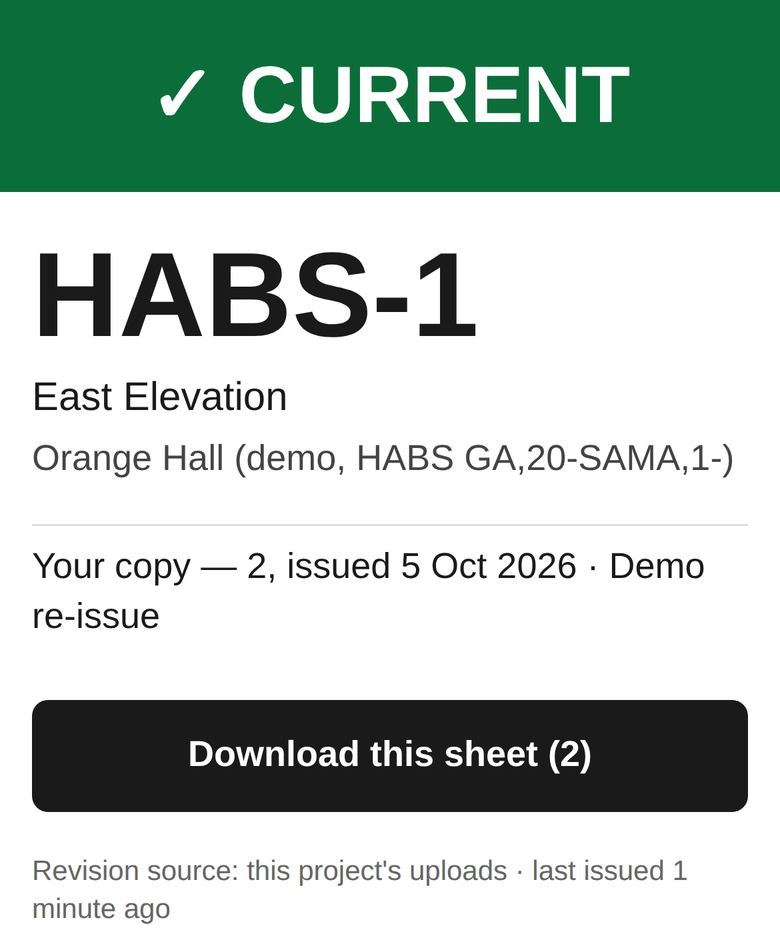
Every sheet in the set gets a small QR stamp in a corner that's out of the way. Anyone on the job scans it with a phone camera. No app, no login. In five seconds they know if the sheet in their hand is the current issued revision. If it isn't, the current one downloads right there.
Try it on a demo sheet that's been replaced: open sheet HABS-1, revision 1. Same page your super gets when they scan it.
It doesn't replace where you keep your drawings. It checks the paper in the field against the latest issue.
Southeast BIM Services runs this on their projects.
Want a stamped sheet to try, or have a question? Ask here. No account, no mailing list.
Demo drawings: Orange Hall, St. Marys, GA. Library of Congress, Prints & Photographs Division, HABS GA,20-SAMA,1-.